Pick up where you left off
Use your account to return to purchased access, saved notes and learning progress. Connect to sync supported saved work.
Read, practise and return to your progress with the same account. AllgiftPrep works in your phone or desktop browser today.
Available store links appear here as each app is released. You can start on the web while you wait.
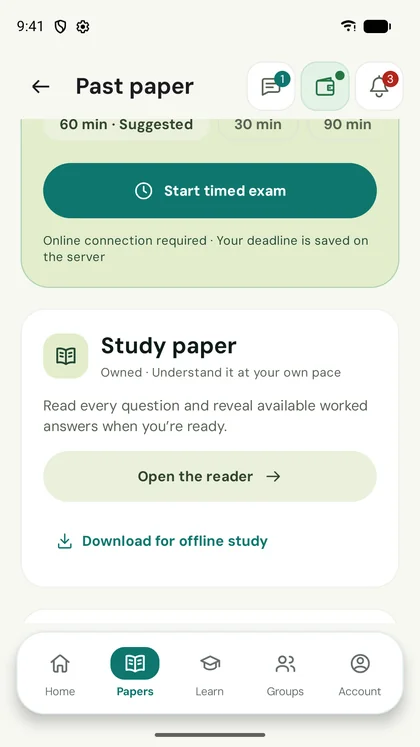
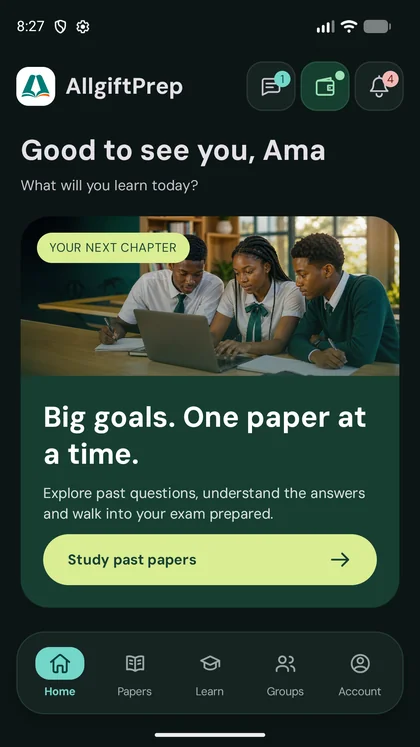
Actual Android screens in light and dark themes, with demonstration content. Screens vary by device.
Use your account to return to purchased access, saved notes and learning progress. Connect to sync supported saved work.
Download eligible papers and supported untimed practice while online. Downloads work while their access remains valid.
Timed assessments, assignments, mock practice and streamed videos need an internet connection. School printing and camera marking run in the browser.
Topic notes are on the website and in the Android app. Likely Topics Practice Papers, listening to lessons and invite links are on the website for now. On a shared device, sign out after studying. Sync any offline work you want to keep before signing out, because signing out removes local downloads and pending work.


Start with a topic you want to understand. Create your free account and choose the learning access you need.